 IT Real Simple
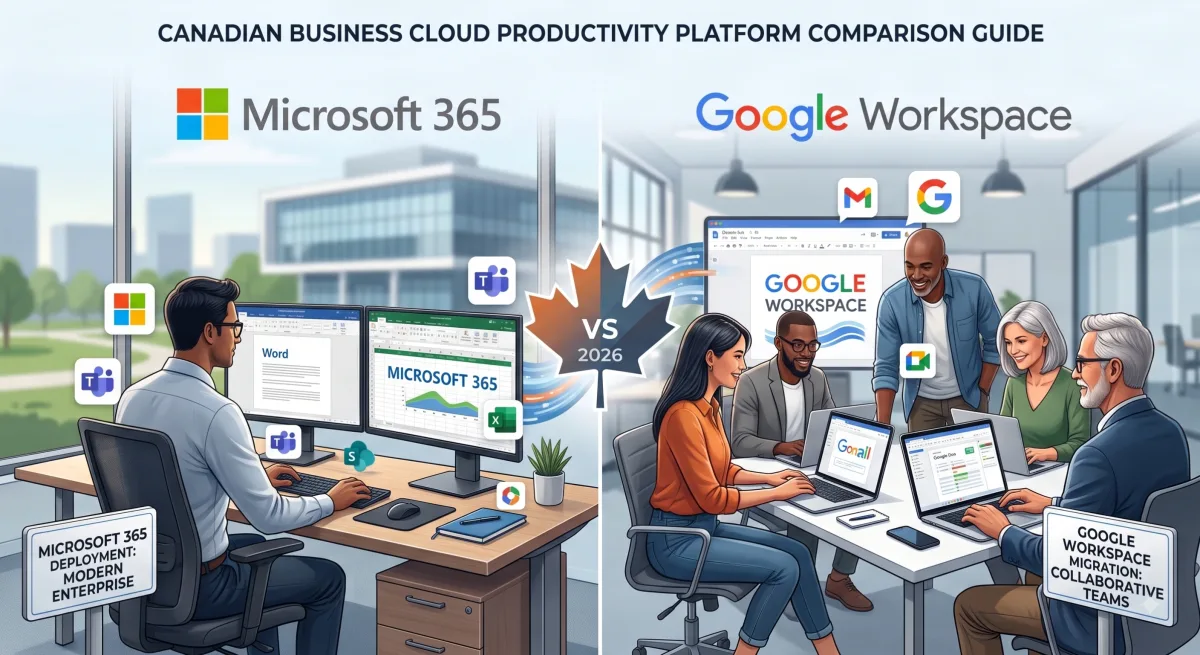
For Canadian businesses choosing between Microsoft 365 and Google Workspace, the decision impacts everything from daily productivity to long-term IT costs. Microsoft 365 typically offers deeper integration with existing business software and advanced desktop applications, while Google Workspace excels at real-time collaboration and simplified administration. Both platforms meet Canadian data residency requirements, but your choice depends on your specific workflow, industry compliance needs, and existing technology investments.
We've deployed and managed both platforms for businesses across Calgary, Nova Scotia's South Shore, and Fort St. John. Here's what actually matters when making this decision in 2026.
What Are the Core Differences Between Microsoft 365 and Google Workspace?
Microsoft 365 is a comprehensive productivity suite built around Office applications (Word, Excel, PowerPoint, Outlook) with robust desktop versions, enterprise-grade security tools, and deep Windows integration. Google Workspace centers on cloud-native collaboration through Gmail, Google Docs, Sheets, and Meet, designed for browser-based work and real-time co-editing.
The fundamental split: Microsoft 365 prioritizes feature depth and desktop power, while Google Workspace emphasizes simplicity and seamless collaboration. Neither is inherently better — the right choice depends on how your team actually works.
Most Calgary professional services firms we support choose Microsoft 365 for its familiar Office interface and compatibility with client documents. Meanwhile, several Nova Scotia tech startups prefer Google Workspace for its lower learning curve and real-time collaboration features.
How Do Costs Compare for Canadian Businesses?
Both platforms offer tiered pricing in Canadian dollars, but the total cost of ownership extends beyond licensing. *Pricing can vary; below are estimates based on the publication date of this article.
| Tier | Google Workspace (CAD/mo) | Microsoft 365 (CAD/mo) | Best For |
|---|---|---|---|
| Entry | Starter: ~$8.20 (Basic email, 30GB) |
Basic: ~$8.20 (Web apps only, 1TB) |
Frontline workers, minimal storage needs |
| Standard | Standard: ~$16.40 (Enhanced Meet, 2TB) |
Standard: ~$17.00 (Desktop Office apps, 1TB) |
Most standard professional users |
| Advanced | Plus: ~$24.60 (Advanced security, 5TB) |
Premium: ~$30.20 (Intune device mgmt, advanced security) |
Regulated industries, hybrid environments |
Special Offer: We are an authorized dealer and can get you pricing lower than the advertised price! Give us a call to secure your pricing today. Book a consultation
The hidden costs emerge during migration, training, and integration. Microsoft 365 often requires more IT support hours initially, particularly for businesses in Fort St. John or rural areas with limited local tech expertise. Google Workspace typically has faster deployment but may need third-party tools for advanced features.
For businesses with existing Microsoft server infrastructure or specialized software, migration costs to Google Workspace can be substantial. Conversely, organizations already using cloud-based tools often transition to Google Workspace more smoothly.
Which Platform Offers Better Security for Canadian Compliance?
Both platforms meet Canadian data sovereignty requirements and offer data center options in Canada (Toronto and Montreal regions). However, their security approaches differ significantly.
Microsoft 365 provides enterprise-grade security tools including Advanced Threat Protection, Data Loss Prevention, and sophisticated conditional access policies. These features are critical for Calgary businesses in regulated industries like finance, healthcare, or legal services. Microsoft's security stack integrates with on-premises Active Directory, essential for hybrid environments.
Google Workspace offers strong baseline security with two-factor authentication, security keys, and AI-powered phishing protection. Their admin controls are simpler but less granular than Microsoft's. For many small businesses, Google's security is entirely adequate and easier to manage without dedicated IT staff.
Both platforms support PIPEDA compliance, but implementing proper controls requires expertise. We help businesses across Canada configure data retention policies, access controls, and audit logging regardless of platform choice.
How Do Collaboration Features Stack Up?
Google Workspace dominates real-time collaboration. Multiple users can edit documents simultaneously with instant visibility of changes. The interface is intuitive, and version control is automatic. For distributed teams across Nova Scotia or remote workers across Canada, Google's collaboration feels seamless.
Microsoft 365 has significantly improved co-authoring in recent years, particularly in Office Online and desktop apps when files are stored in OneDrive or SharePoint. However, real-time collaboration still feels slightly less fluid than Google's implementation. Where Microsoft excels is integration depth — Excel's advanced features, PowerPoint's design tools, and Outlook's calendar management remain superior to Google's equivalents.
Microsoft Teams has evolved into a comprehensive collaboration hub, particularly strong for businesses already invested in the Microsoft ecosystem. Google Meet and Chat are capable but less feature-rich for complex organizational needs.
For professional services firms in Calgary handling complex financial models or detailed presentations, Microsoft's application depth is valuable. For marketing agencies or tech companies prioritizing quick collaboration, Google's simplicity wins.
What About Integration with Existing Business Tools?
Microsoft 365 integrates naturally with Windows environments, Active Directory, on-premises Exchange servers, and thousands of business applications. If your Calgary office runs industry-specific software built on Microsoft technologies, staying in the Microsoft ecosystem reduces friction significantly.
Many accounting, legal practice management, and CRM systems integrate more deeply with Microsoft 365. This is particularly relevant for established businesses in Fort St. John or Nova Scotia with legacy systems that depend on Microsoft infrastructure.
Google Workspace excels at third-party integrations through its marketplace and open APIs. SaaS applications often integrate smoothly with Google's authentication and storage. For businesses adopting modern cloud-first tools, Google Workspace typically requires less customization.
Both platforms support mobile devices well, though Microsoft's mobile apps offer more feature parity with desktop versions.
Which Platform Is Easier to Manage and Support?
Google Workspace wins on administration simplicity. The admin console is straightforward, user provisioning is quick, and most businesses can handle basic management without specialized IT knowledge. For small businesses across Canada without dedicated IT staff, this simplicity matters.
Microsoft 365's admin portal is more complex but far more powerful. Managing advanced features like conditional access, security groups, and hybrid environments requires expertise. However, this complexity enables sophisticated configurations for growing businesses.
From our experience supporting Canadian businesses, Google Workspace reduces day-to-day support requests but offers fewer options when problems arise. Microsoft 365 generates more initial support questions but provides deeper tools for resolving complex issues.
Businesses in remote locations like Fort St. John often appreciate Google Workspace's lower support requirements, while Calgary companies with in-house IT teams leverage Microsoft 365's advanced capabilities.
How to Choose the Right Platform for Your Business
Choose Microsoft 365 if you:
- Require advanced desktop applications (complex Excel models, PowerPoint design work)
- Operate in regulated industries requiring sophisticated compliance tools
- Use industry-specific software built on Microsoft technologies
- Have existing Microsoft server infrastructure or Active Directory
- Need deep integration with Windows environments
- Have IT staff or managed IT support to handle complexity
Choose Google Workspace if you:
- Prioritize real-time collaboration and document co-editing
- Want simpler administration with less IT overhead
- Operate primarily through web browsers and mobile devices
- Use modern SaaS applications that integrate with Google
- Have distributed teams requiring seamless cloud collaboration
- Need faster deployment and lower training requirements
Neither platform is universally superior. The right choice aligns with your actual workflows, existing technology investments, and growth trajectory.
Making the Migration Smooth
Switching platforms — or properly implementing either from scratch — requires planning. Email migration, file transfers, and user training determine whether your transition succeeds or disrupts business operations.
We've migrated dozens of Canadian businesses between platforms and set up new deployments across Calgary, Nova Scotia, and Fort St. John. Critical steps include:
- Auditing existing data and applications before migration
- Testing integrations with critical business tools
- Planning phased rollouts to minimize disruption
- Providing hands-on user training specific to your workflows
- Configuring security and compliance settings properly from day one
- Establishing ongoing support for users during transition
Poor migrations create productivity losses that take months to recover. Proper planning and expert implementation make the difference.
Get Expert Guidance for Your Platform Decision
Choosing between Microsoft 365 and Google Workspace isn't just a software decision — it's an investment in your business infrastructure. The wrong choice creates ongoing friction, integration headaches, and hidden costs.
IT Real Simple helps Canadian businesses evaluate both platforms against their specific needs, handle smooth migrations, and provide ongoing managed IT support regardless of which platform you choose. Whether you're in Calgary, Nova Scotia, Fort St. John, or anywhere across Canada, we provide the expertise to make your productivity platform actually work for your business.
Book a consultation to discuss which platform fits your business needs, or contact us to learn how we support both Microsoft 365 and Google Workspace deployments for Canadian businesses.